
Tips for Creating a Cozy and Functional Home Office Space
Creating a cozy and functional home office space is essential for anyone working remotely or managing tasks from home. A well-designed workspace can boost your productivity, focus, and overall well-being. Whether you have a dedicated room or just a small corner, these helpful tips will guide you to craft a comfortable and efficient office tailored to your needs.
Assess Your Space and Needs
Choose the Right Location
Start by selecting a spot that offers enough room for your essentials and limits distractions. Ideally, pick a quiet area with natural light, such as near a window or a less-trafficked part of your home. If space is tight, even a nook in the living room or bedroom can work with proper planning.
Define Your Work Essentials
Consider what you need daily: a computer or laptop, printer, notebooks, pens, and other supplies. Knowing what items must fit into your setup will help you organize better.
Prioritize Comfort with Ergonomics
Invest in a Good Chair
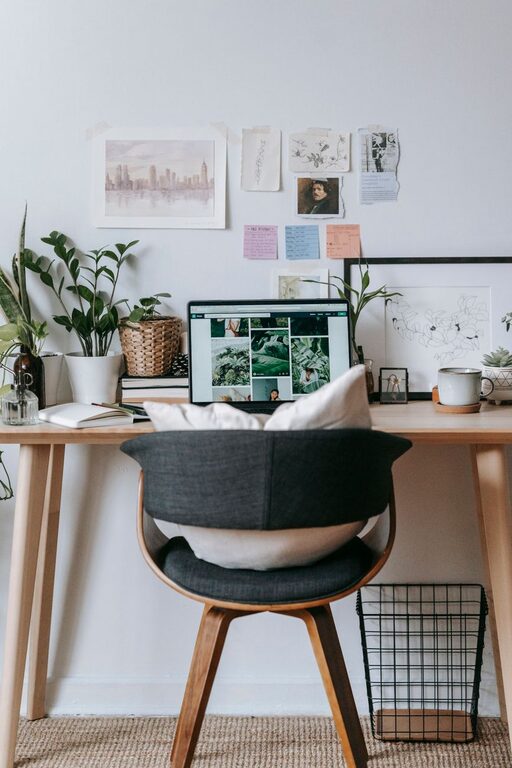
Since you may spend hours seated, a supportive, adjustable chair will protect your posture and reduce strain on your back and neck.
Choose the Right Desk
Pick a desk that fits both your space and your workflow. Standing desks or adjustable desks allow you to alternate positions, which can improve comfort and alertness.
Position Your Monitor Properly
Place your computer screen at eye level to avoid neck and eye strain. Use laptop stands or monitor risers if necessary.
Lighting Matters
Maximize Natural Light
Natural light can enhance mood and productivity. Set up your desk near a window if possible, but avoid harsh glare on your screen.
Use Layered Lighting
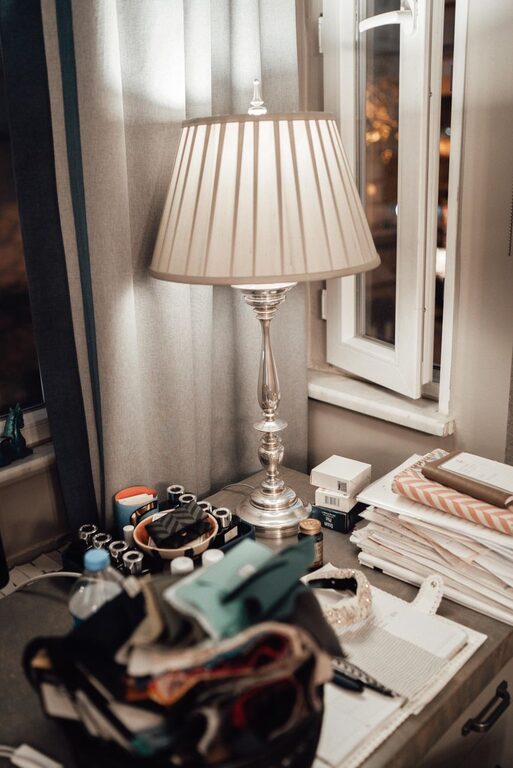
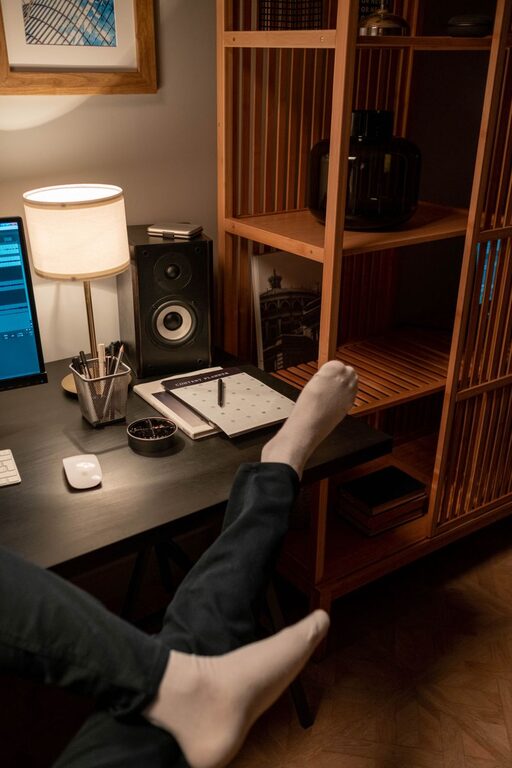
Combine overhead lights with task lighting such as desk lamps. Adjustable lamps help focus light where you need it most, especially when working in the evenings.
Organize to Stay Focused
Declutter Your Desk
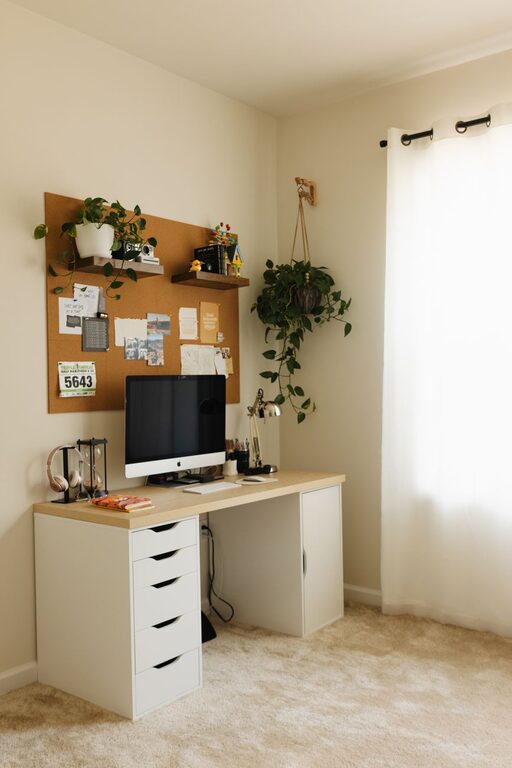
Keep your workspace tidy by only having daily essentials on your desk. Store other items in drawers or shelves.
Use Storage Solutions
Shelves, filing cabinets, and baskets can keep papers, office supplies, and electronics organized and out of sight. Labeling containers makes it easier to find items quickly.
Cable Management
Tidy up cords and chargers with clips, tubes, or cable boxes to prevent tangles and maintain a clean look.
Make It Cozy
Add Personal Touches
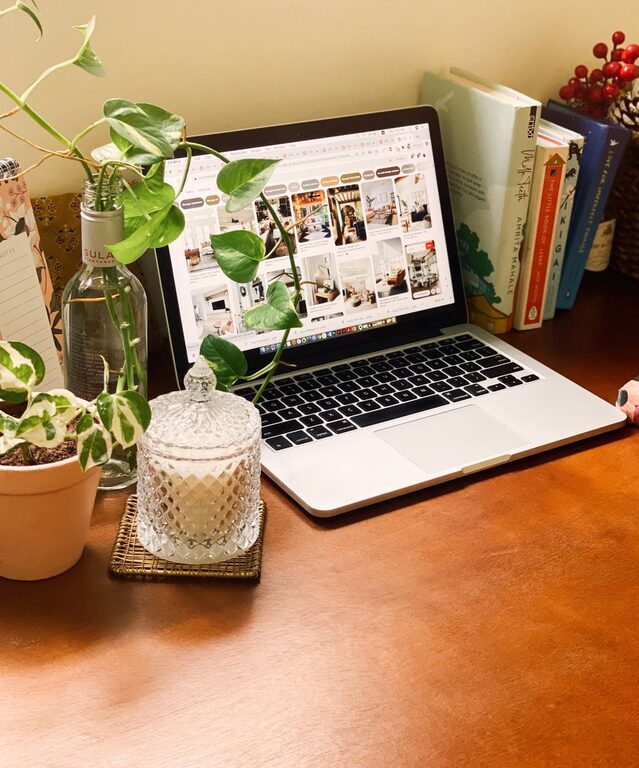
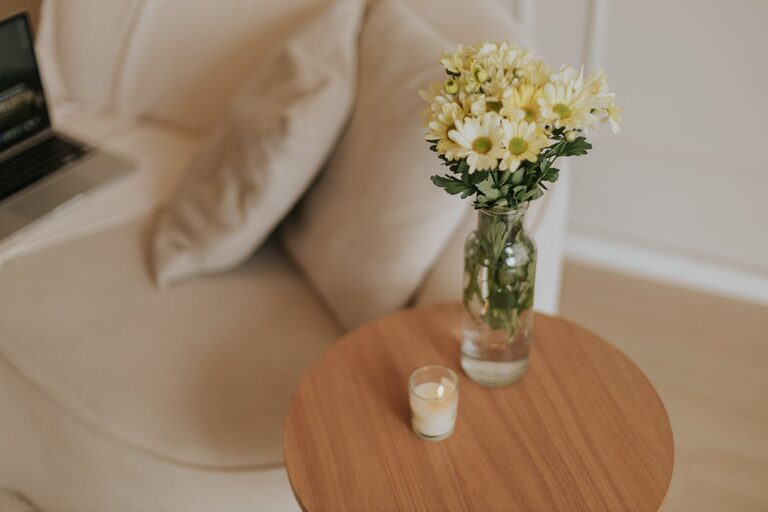
Decorate with items that inspire or relax you, like plants, artwork, or photos. These can make your workspace feel welcoming without causing distractions.
Incorporate Textiles
A soft rug, cushions, or cozy curtains can add warmth and absorb noise, making your office space feel more inviting.
Control the Temperature
Keep your space comfortable with a fan, heater, or humidifier as needed. Comfort impacts focus and productivity.
Enhance Productivity With Smart Tools
Use a Planner or Calendar
Having a physical or digital planner nearby helps you keep track of deadlines and appointments.
Use Noise Control
If background noise is an issue, try noise-canceling headphones or white noise machines to help maintain concentration.
Set Clear Boundaries
If others share your space, communicate your working hours to minimize interruptions.
Regularly Refresh Your Space
A home office should evolve with your needs. Periodically assess how your setup works and adjust furniture, lighting, or decorations as needed to keep your environment enjoyable and efficient.
—
Designing a cozy and functional home office is all about balancing comfort with productivity. With thoughtful planning and these practical tips, your workspace can become a place where you look forward to spending your day, supporting both your work and well-being.